Heads up! This article was written before Webiny 6.0 was released and may contain outdated information.

Monika Zapryanova
Heads up! This article was written before Webiny 6.0 was released and may contain outdated information.
Webiny is the AI-programmable CMS that gives enterprises full control. Build, extend and automate your content operations with a platform designed to be shaped by both developers and AI agents.
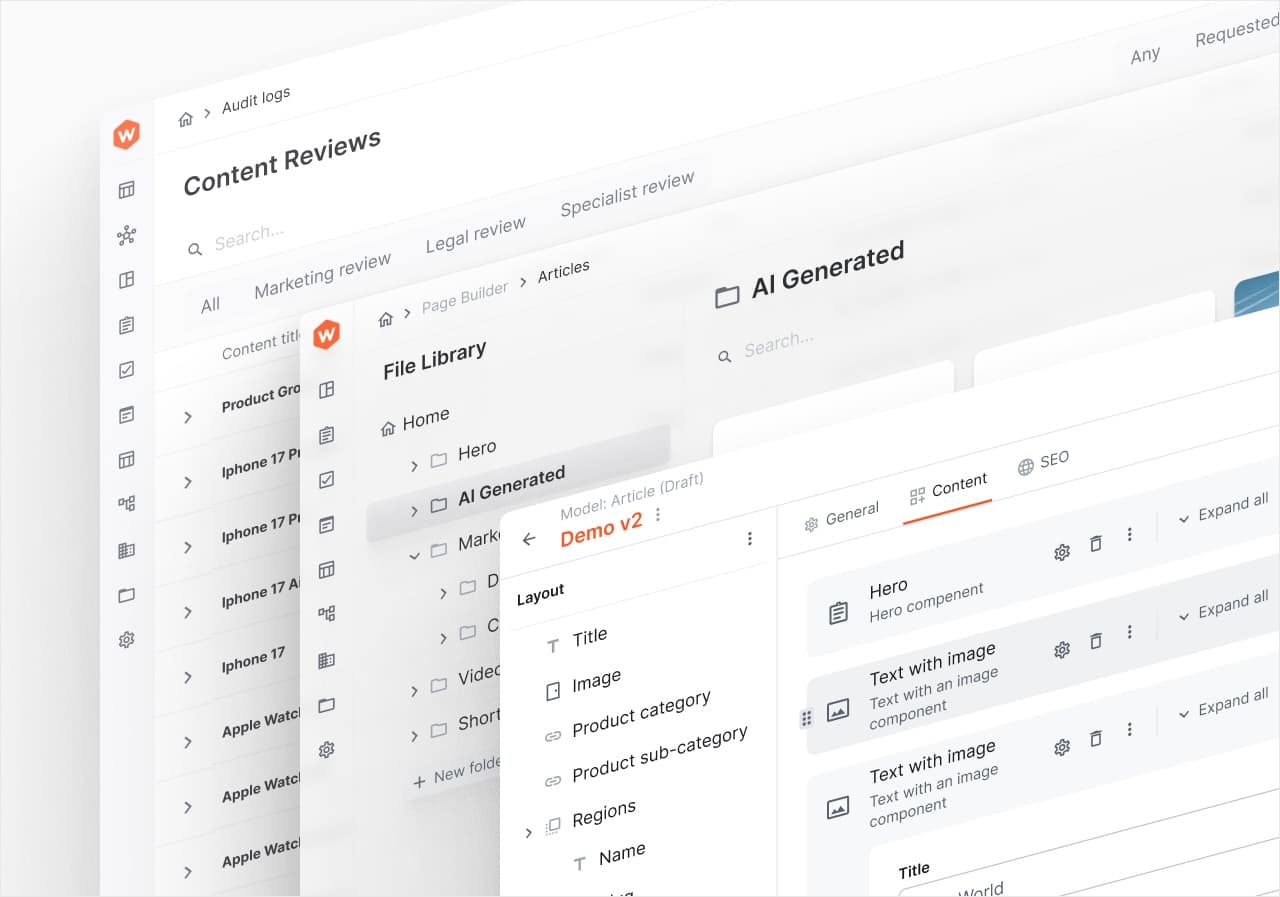
In Webiny 5.38, we introduce a feature that significantly enhances your CMS experience - the ability to perform Bulk Actions. Whether you're managing Headless CMS entries, pages, or assets, Bulk Actions save you time and effort, making your content management process more efficient and your team more productive. You can use them with Headless CMS, Page Builder and File Manager.
The following Bulk Actions are enabled out-of-the-box for Headless CMS. All you need to do is to select one or multiple entries and the bulk actions will appear at the top of the Advanced Content Organization (ACO) table.
Publish Entries - you can select multiple HCMS entries to publish in one go. Please note, when you select entries which are in different statuses (e.g. Draft, Unpublished and Published) for publishing, if they are in Draft or Unpublished status, they will be published and if they are in Published status- remain published.
In the end of the operation, you will get a log to confirm that all the actions were completed successfully or flag the errors, if there are any. This applies to all Bulk Actions operations.
We also offer developers the ability to customize the Bulk Actions available in the Headless CMS. Bulk actions can be added, replaced, or removed from the Entry list, to find out how, check out this article on our documentation portal.
The following bulk actions are enabled out-of-the-box to manage Pages:
We also offer developers the ability to customize the Bulk Actions available in the Page Builder. Bulk actions can be added, replaced, or removed from the list, to find out how, check out this article on our documentation portal.
In File Manager, the following bulk actions are enabled out-of-the-box:
Similar to the other applications, File Manager offers customization for the existing actions and the ability to add new ones. Please refer to this article for more details.
We hope you find Bulk Actions useful. It is a simple feature, but a powerful one. If you have any interesting use cases or you have built your own Bulk Action, and you feel that the community will benefit from it, please share it with us on our Slack channel. It would be great to see what you created with Webiny. Also if you have any other feedback or ideas for improvement, let us know. you can always use our Idea Board to submit your improvement ideas.