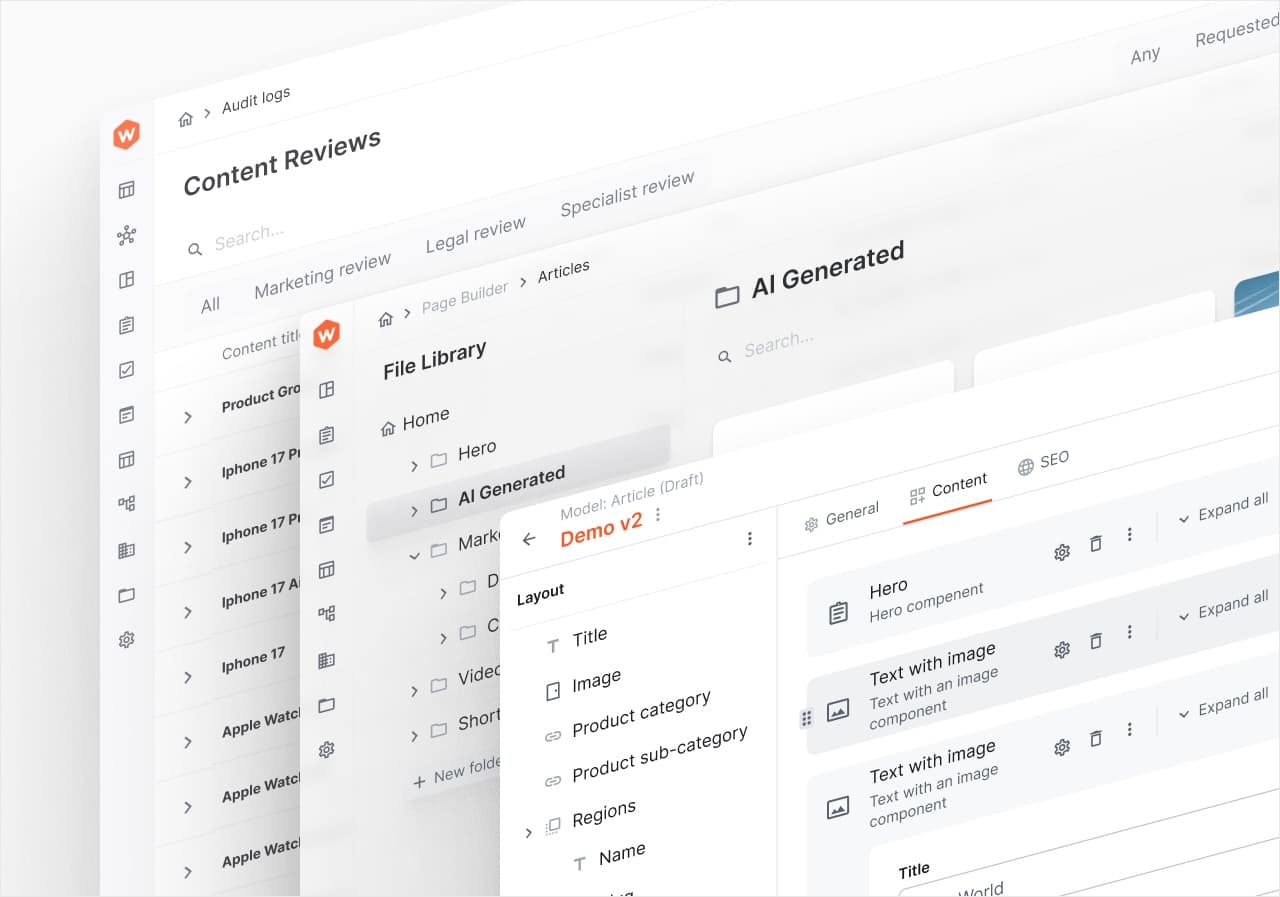
Webiny 6.5 is out. It took longer than we wanted, and it’s also the biggest release we’ve shipped in a while. The changelog has close to 80 entries, and when we sat down to write this post we realised we couldn’t cover all of them without it turning into a second changelog.
So this is the version for people who use Webiny every day. The things you’ll notice, a few you’ll be glad about later, and at the end a word on 6.6, which is closer than the gap between 6.4 and 6.5 might suggest.
AI that fills in the form for you
The headline is AI content generation in the Headless CMS. Switch on “Generate with AI” in a model’s settings, and every new entry starts with a prompt instead of an empty form. Describe what you want, hit Generate, and the fields fill in.
What makes it useful rather than a gimmick is that it reads your model. It knows which fields are dropdowns and picks a value that’s actually in the list. It respects validation rules. It writes rich text as proper rich text, with headings and paragraphs in the Lexical editor, instead of a wall of markdown pasted into a text box. Nested objects and dynamic zones work too.
The part I like most is file attachments. Attach a text or Word document to the prompt, and the AI uses it as context. In the video below, a one-page product brief for a made-up grinder turns into a launch post, and the price, the specs and the launch date all come from the brief rather than from the model’s imagination.
That’s the difference between “write me something about X” and “write this up from what we actually know”. The second one is the one you can publish.
A few other AI pieces landed alongside it:
- Bring your own provider. OpenAI and Anthropic were already there. Google and OpenRouter are new, and OpenRouter alone gives you models from nine vendors behind one API key.
- Model roles instead of hardcoded models. You add a connection once per vendor, then assign models to roles: fast, standard and vision. Features ask for a role, so changing the model behind all of them is one setting.
- Page translation in the Page Builder, slug included for Latin-script languages.
- Audit logs for AI operations. Every generation leaves a record of what changed.
Comments, right on the fields
Content editing is rarely a one-person job, and until now the conversation about an entry happened somewhere else, usually in Slack, usually without a link to the field anyone was talking about.
In 6.5 you can leave comments on individual fields, including a single item inside a repeatable field. Comments stay anchored to the thing they’re about, even as the content around them changes. A new notifications inbox in the admin collects comment activity and mentions, so you see what needs your attention without hunting for it.
In the video, one editor comments on the Summary field and mentions a teammate. The teammate gets a notification, and clicking it opens the entry with the comment thread in view, ready for a reply.
Images that behave
The new Asset field replaces the old “it’s just a URL” file field for images. You can crop, set a focal point, and add alt text and a caption, and none of it touches the original file. The edits travel with the reference and get applied when the image is delivered, so the resulting URL works with whatever frontend you have.
The focal point is the bit worth watching. Drag it onto the subject, and every preset crop, square, landscape and widescreen, re-frames around it. The same image editor now powers the File Manager, the CMS asset picker and Website Builder file inputs, so it works the same way everywhere.
Scheduling you can see
Scheduled publishing used to be visible in exactly one place, the dialog where you set it up. Now it shows wherever you’d look for publish status: a banner on the entry with the go-live time, and a “Scheduled” pill in the entries list. An older revision can be live while a newer one is queued, and the list shows both.
The scheduler also takes a timezone now. If your team is in Europe and the launch is at 9am in Los Angeles, you pick 9am and UTC-07:00 and let Webiny do the conversion.
Smaller things that add up
None of these would carry a release on their own, but together they change how the admin feels to use.
A command palette. Press ⌘K (Ctrl+K elsewhere) anywhere in the admin, type a few letters, and jump. It builds its list from your navigation, so custom menus show up without extra work, and projects can register their own commands with their own keyboard shortcuts.
Edit a referenced entry without leaving the page. Reference cards have a pencil now. Click it, edit the referenced entry in a drawer, save, and the card updates in place.
Duplicate an entry. It’s in every entry’s menu. You get a new draft with all the values copied and “Copy of” in front of the title. The API has a matching duplicate mutation per model.
A redesigned model editor. The fields sidebar collapses into an icon grid, dragging a field shows where it’ll land, and Edit and Preview sit in a toggle at the top.
A birthday picker. Date-only fields can use a picker that goes day, then month, then year, with recent years first, instead of making you click back through decades of months. Date limits can now be relative, like “today minus 18 years”, and the picker greys out years that would break the rule before you can pick them.
Readable accordion titles. Object lists rendered as accordions used to title their items with raw values: personal-training instead of “Personal Training”, or a generic “Facility Information #1” when the title field was a reference. They now show the label and the referenced entry’s title.
A new GraphQL Playground, built on a real code editor, with one tab per Webiny API and a searchable schema explorer in a drawer.
For the developers
A lot of 6.5 is invisible from the admin and very visible from your editor.
The frontend SDK is now one package, @webiny/sdk-nextjs (or @webiny/sdk-frontend for everything else), initialised once, with CMS, Website Builder, languages and the File Manager behind one entry point. getEntry and listEntries take a fields list, so you fetch only what the page needs. On models with many reference fields that’s the difference between one request and dozens.
Website Builder components can now bind to CMS content directly with a new contentEntry input: a single entry, a hand-picked list, or a query with sort and limit. Object and list inputs work in the page editor too, with slide-out panels for nested values.
Custom bulk actions are part of the public webiny package, run as background tasks, and report progress over websockets. Formatting of dates and strings in the admin goes through injectable formatters you can override project-wide.
If you build with an AI coding agent, the Webiny MCP server knows about all this too. Its skills were updated for 6.5 and cover the SDK’s fields lists, custom bulk actions, AI content generation and websocket notifications, so an agent that asks how to add a bulk action gets the 6.5 way instead of a guess based on older docs. It also comes with a set of specialised agents, an admin developer and an API developer among them, each of which loads the skills it needs.
And there’s a long list of fixes we’re happy to see gone. Publishing no longer bumps savedOn and modifiedOn, so entries stop jumping around lists sorted by date. “Load more” appends in the right order. Save errors from the API show on the field that caused them instead of disappearing. Visibility and access rules set in the model editor now apply in the entry form. Reference fields find the entry you’re typing, exact matches first.
The changelog has the full list.
Why it took a while, and what’s different for 6.6
6.4 shipped on 1 June. 6.5 shipped on 20 October. That’s almost five months, against roughly a month between 6.3 and 6.4, and we know it was a drag if you were waiting on something in it.
Part of that is the size of the release. The bigger part is that 6.5 wasn’t the only thing we were building. Since the summer we’ve been working on 6.6 in parallel, and the first 6.6 alpha went out at the end of July.
6.6 is where standalone Webiny lives. If you missed it, that’s Webiny running on your own infrastructure: a Node process, a SQL database and a folder for files, with no AWS account involved. It’s in alpha today, and you can try it with npx create-webiny-project@alpha. Beta is next, and it’s close.
Because so much of 6.6 was already done by the time 6.5 shipped, we expect it to land a lot sooner than 6.5 did. No date yet. We’d rather tell you when it’s out than promise one and miss it.
If you upgrade to 6.5 and something feels off, or the AI writes something it shouldn’t, tell us. That feedback shapes 6.6 more than anything we plan on our own.