Heads up! This article was written before Webiny 6.0 was released and may contain outdated information.

Monika Zapryanova
Heads up! This article was written before Webiny 6.0 was released and may contain outdated information.
Webiny is the AI-programmable CMS that gives enterprises full control. Build, extend and automate your content operations with a platform designed to be shaped by both developers and AI agents.
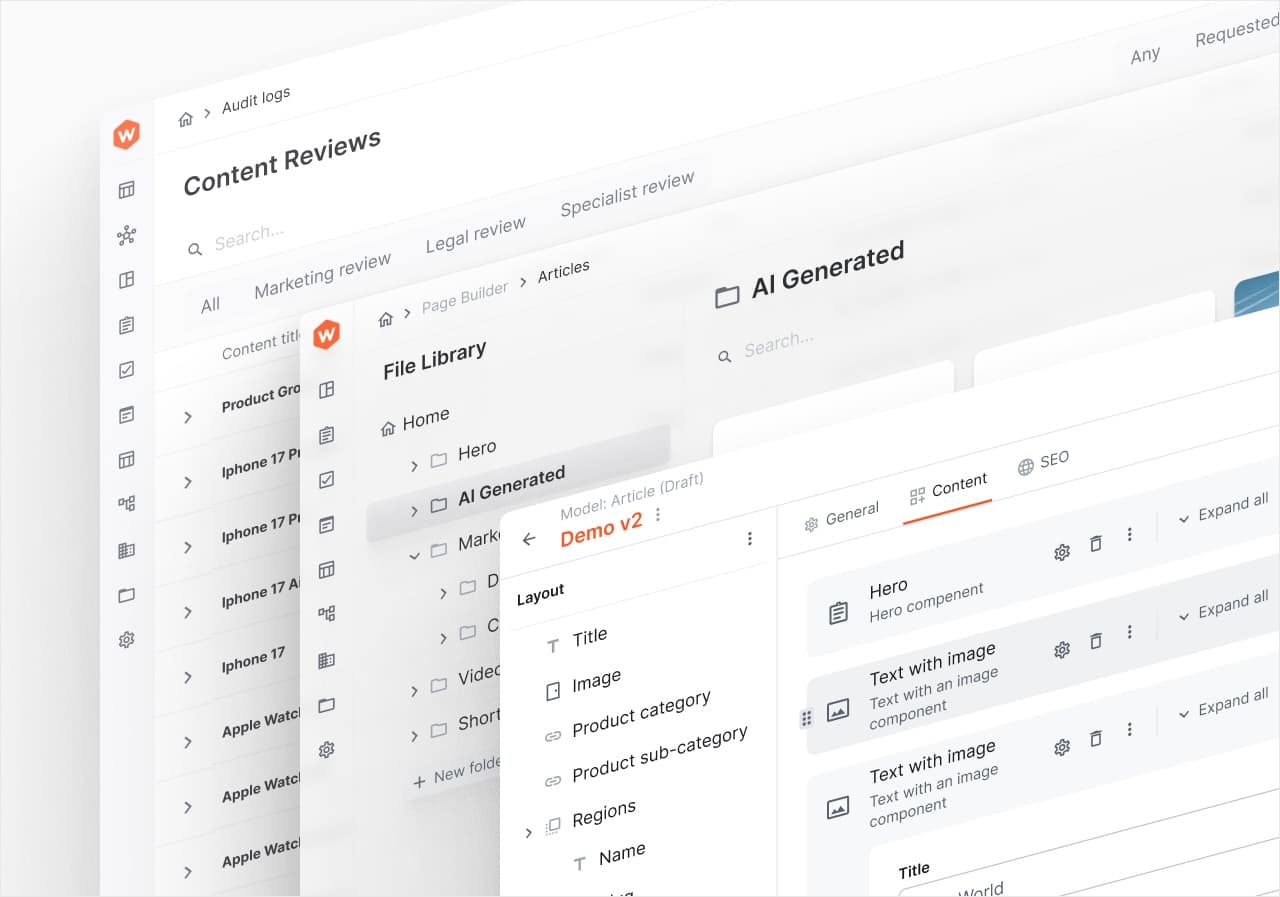
Webiny's Page Builder received some love over the last few releases to improve the user experience, but also to offer our users more powerful solutions like the upgraded Grid functionality and Page Templates. In this way, we enabled our users to build custom designs quicker.
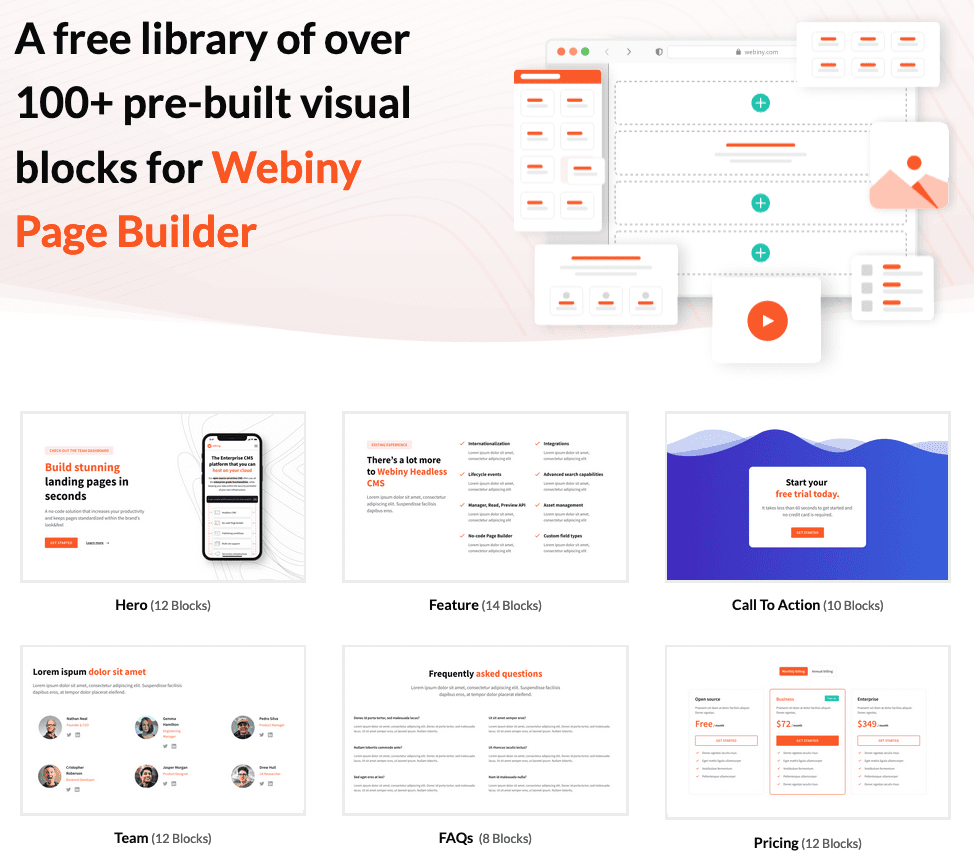
We understand that sometimes the lack of knowledge or not enough design experience can cause significant challenges when building custom pages. We decided to save you some time and offer a wide selection of built-in Blocks. These blocks are pre-designed layouts that users can easily add to their Pages or Page Templates, providing a foundation for designing and structuring their content.
To get started, please follow
In the first iteration of our built-in selection, we have focused on offering you flexibility and convenience in creating visually appealing and functional web pages with some of the most common page blocks:
All of these come with variables built-in, which you can use to populate your content without significantly changing the visual style.
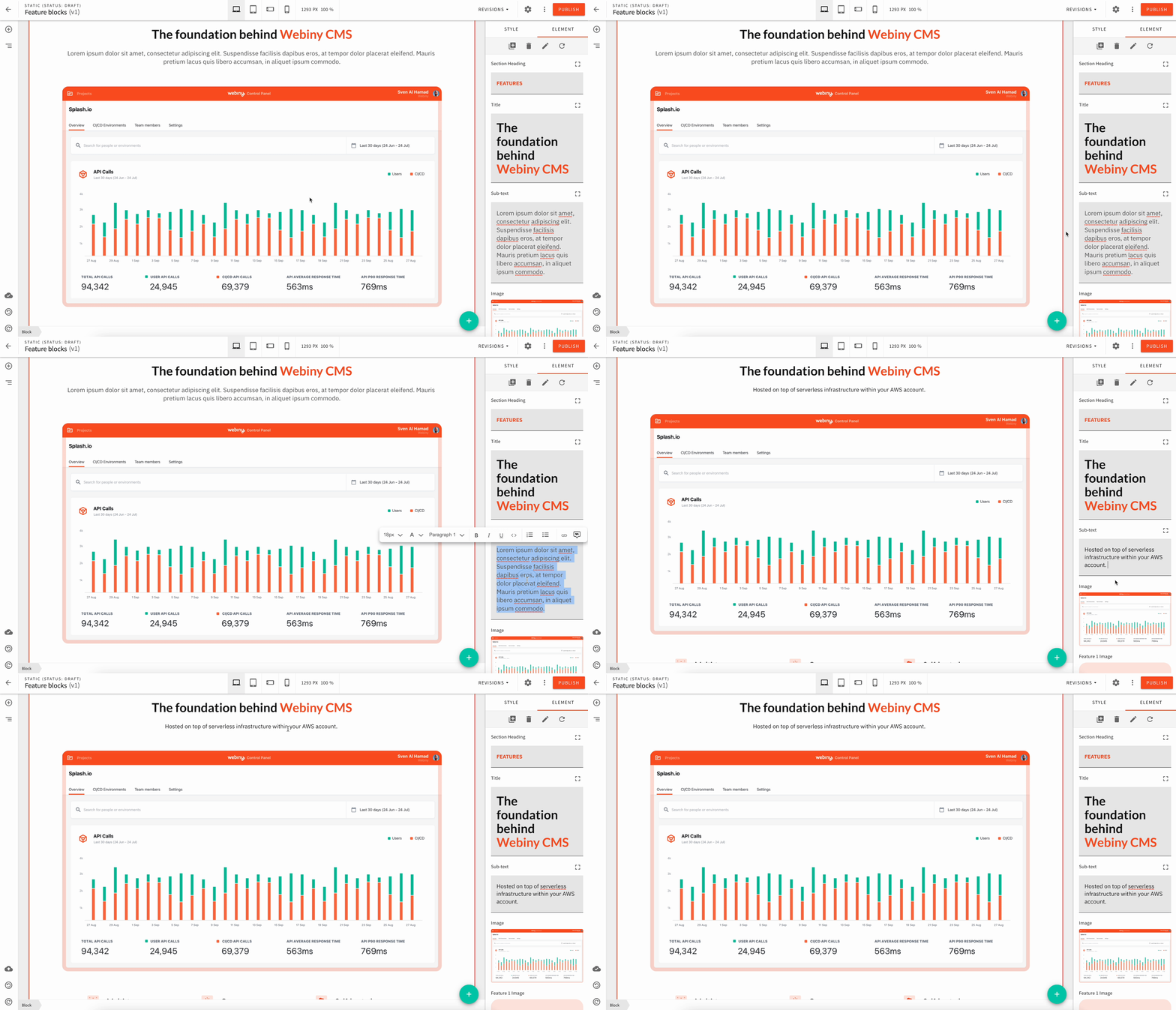
If you want to find out more about how you can use Webiny Page Builder Blocks and Templates check out the embedded links.
By leveraging the pre-built visual Blocks, users can save time and effort in creating professional-looking web pages with ease, even without extensive coding experience.
If you have any feedback or want to request a new block / report an improvement or bug, please use this GitHub repository.