Webiny SDK
The Webiny SDK (@webiny/sdk) is a TypeScript library that gives you a programmatic interface to interact with your Webiny instance from any external JavaScript or TypeScript application — think Next.js, Vue, SvelteKit, or a plain Node.js script.
In this lesson...
Here are the topics we'll cover
Understand what the SDK covers.
See which Webiny apps are supported.
Learn the core concepts used throughout the SDK.
Where the SDK Fits In
In the Local Development lesson, we covered two development modes: Admin application development (extending the Webiny Admin UI) and API development (adding backend logic via Lambda extensions). Both of those are about building on top of Webiny itself.
The SDK covers a different angle — external applications. Any frontend or backend app that lives outside of Webiny and needs to read or write content uses the SDK to do so. Think Next.js, Vue, SvelteKit, or a plain Node.js script.
What Is the Webiny SDK?
Webiny's backend is powered by GraphQL — every operation, whether reading content, uploading files, or managing pages, goes through a GraphQL API. Rather than writing those raw queries yourself, the SDK gives you a clean, type-safe interface with simple method calls. It handles query construction, authentication headers, and error parsing for you.
If you prefer to work directly with GraphQL, you absolutely can — the SDK doesn't replace that option. It's simply a more convenient layer on top.
To get started, install the package:
Then initialize it once with your API credentials and use it across your application:
Run yarn webiny info in your Webiny project directory to find your API endpoint URL. Copy the
base domain (e.g. https://xxx.cloudfront.net) - not the full path.
What the SDK Covers
The SDK provides access to Webiny applications through namespaced modules on the sdk object:
| Module | What you can do |
|---|---|
sdk.cms | List, get, create, update, publish, unpublish entries |
sdk.fileManager | Upload and manage files |
sdk.languages | Retrieve configured languages |
sdk.tenantManager | Create and manage tenants |
sdk.tasks | Trigger and manage background tasks |
API Keys & Permissions
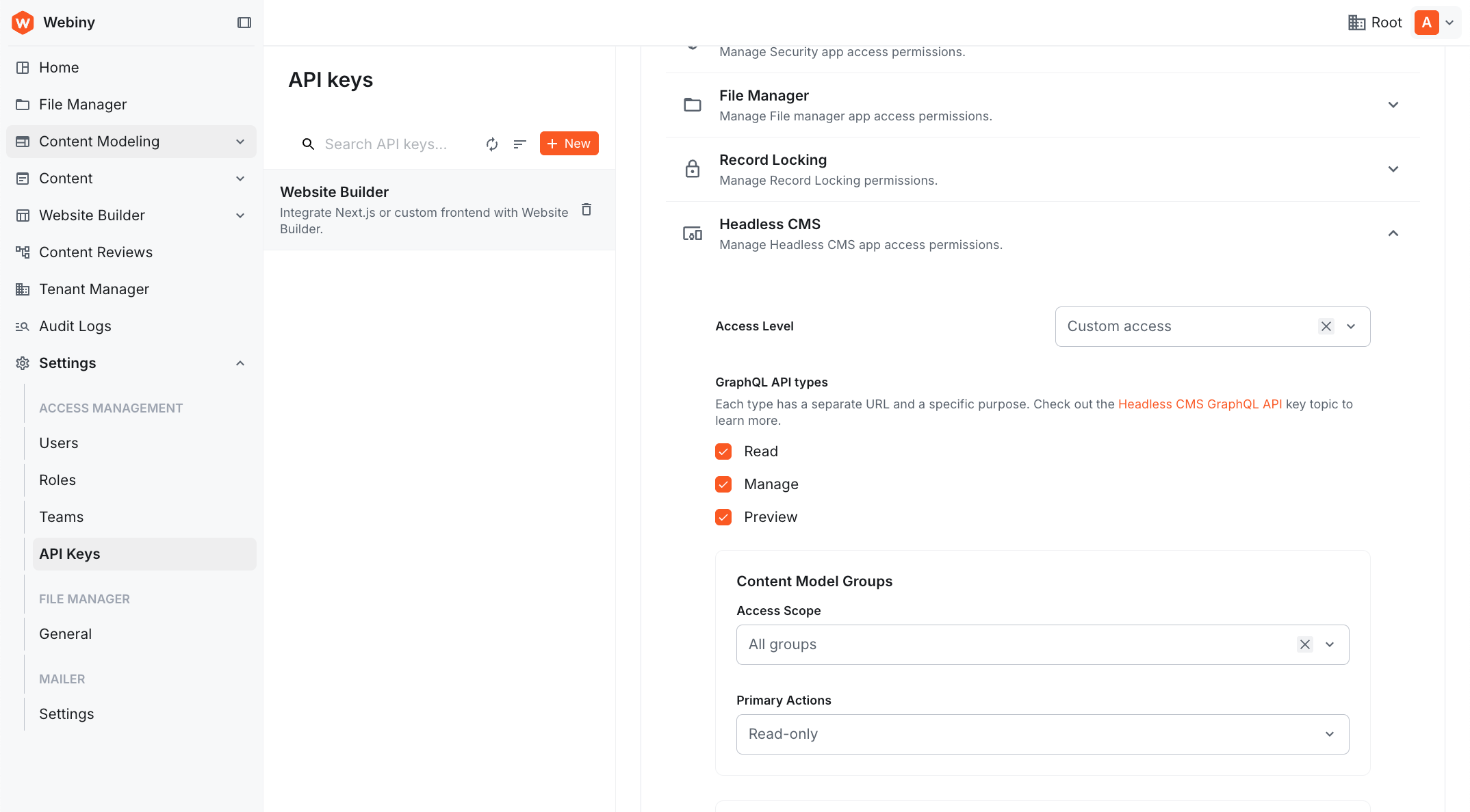
The SDK authenticates using an API key token generated inside the Webiny Admin application. Without a valid token, all SDK calls will be rejected. We'll cover creating and configuring API keys in the upcoming lessons when we start using the SDK in a real project.
Core Concepts
The examples below use sdk.cms for illustration, but the same concepts apply across all SDK modules — sdk.fileManager, sdk.languages, sdk.tenantManager, sdk.tasks, and any others.
The Result Pattern
Every SDK method returns a Result object instead of throwing. You check success with isOk():
This makes error handling explicit - you can't accidentally forget to handle a failure case. You'll see this pattern consistently across all SDK operations throughout the upcoming articles.
The fields Parameter
The fields parameter lets you declare exactly which fields to return, keeping responses lean and avoiding over-fetching:
fields is optional. When omitted, the SDK returns all fields, with a depth parameter (default: 1) controlling how deeply reference fields are resolved - depth 1 means direct references are included, but their nested references are not.
TypeScript Generics
SDK methods accept a generic type parameter so the return type is fully typed:
What's Coming
In the Headless CMS chapter, you'll get hands-on with sdk.cms - covering listing entries with filters and sorting, creating and publishing content, and integrating it all into a real Next.js application. The same SDK instance and patterns carry forward into every lesson from there.
Try It Out: SDK Playground
Before integrating the SDK into your application, you can test it directly in the Webiny Admin using the SDK Playground — an interactive code editor where you can write and run SDK code against your live Webiny instance.
Accessing the SDK Playground
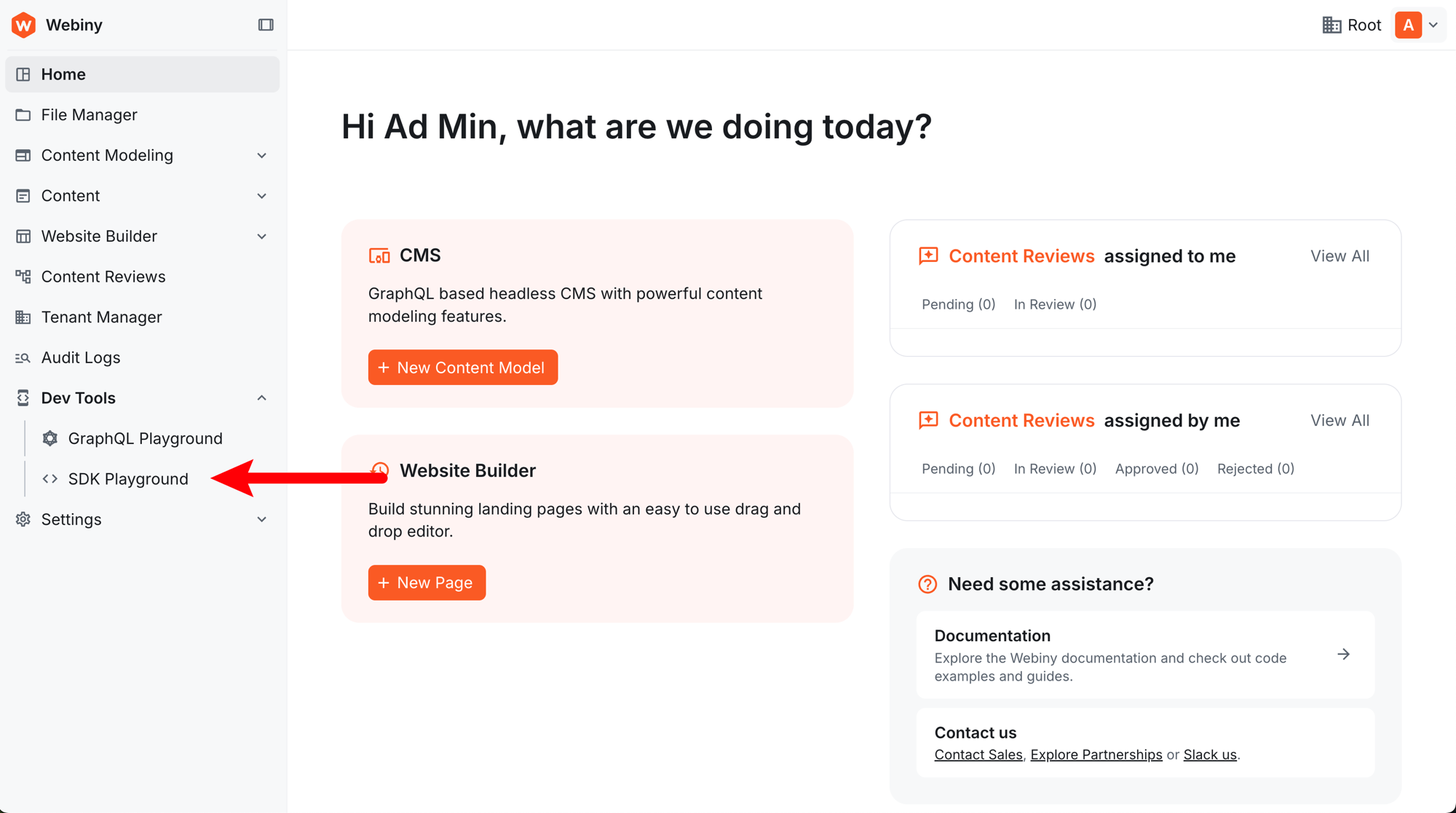
Expand Dev Tools in the Admin sidebar and click SDK Playground:
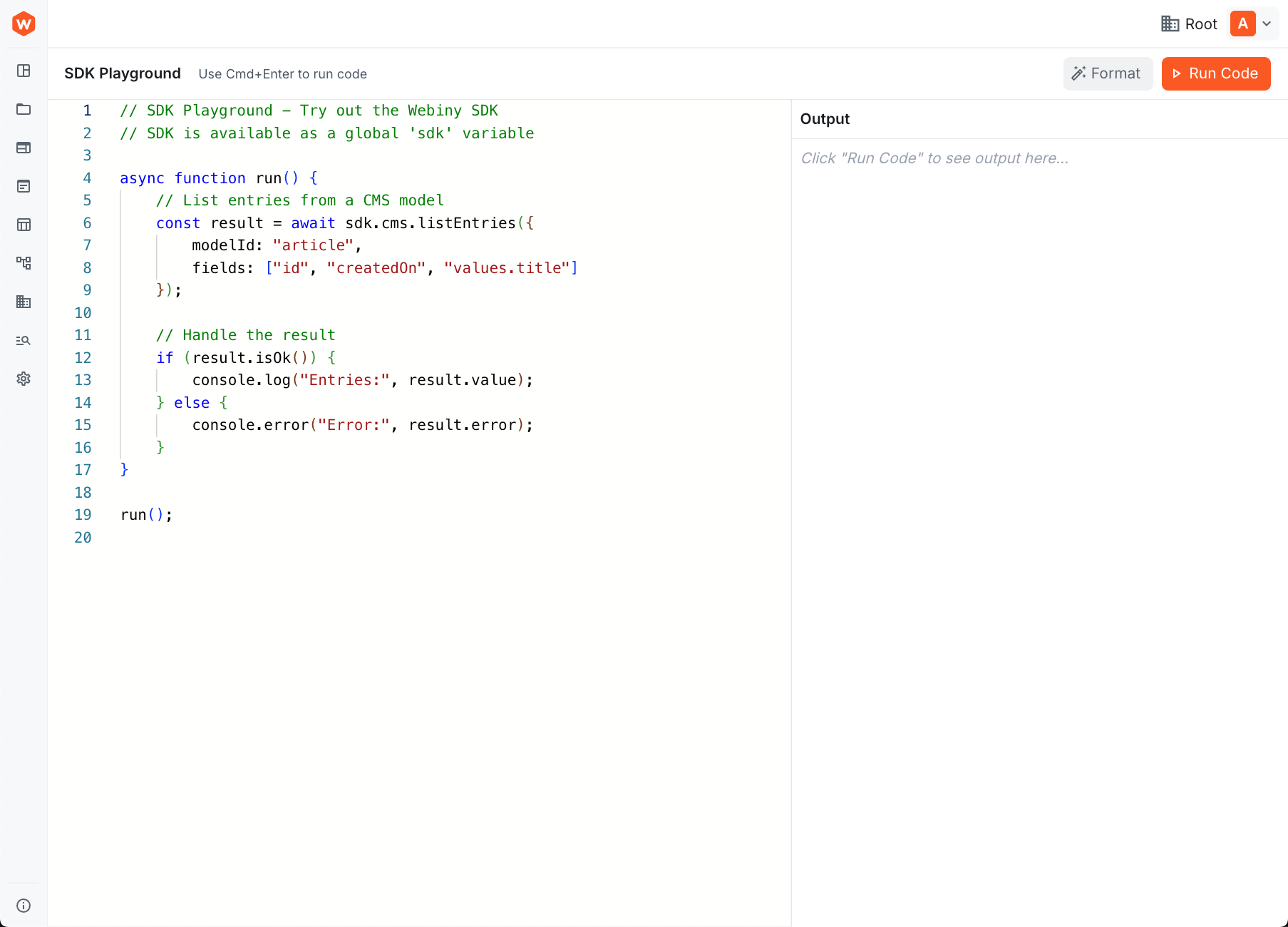
The playground opens with a code editor and an output panel. The SDK is already initialized and available as a global sdk variable — no setup required.
Running Code in the Playground
The playground comes with example code that demonstrates the Result pattern and basic SDK usage. You can modify the code and click Run Code (or press Cmd+Enter) to execute it immediately.
For example, try listing entries from a content model:
The output appears in the panel on the right, showing either the result data or any errors encountered.
The SDK Playground is perfect for testing queries, exploring available SDK methods, and prototyping data operations before integrating them into your application code.
It's time to take a quiz!
Test your knowledge and see what you've just learned.